
01
Local-first
Your mail, on your device. Read what’s already saved, even when the connection drops.
A calm, local-first desktop email client.
Your mail stays close. New messages arrive gently. The rest waits until you need it.
Windows & macOS · Linux experimentalAll platforms
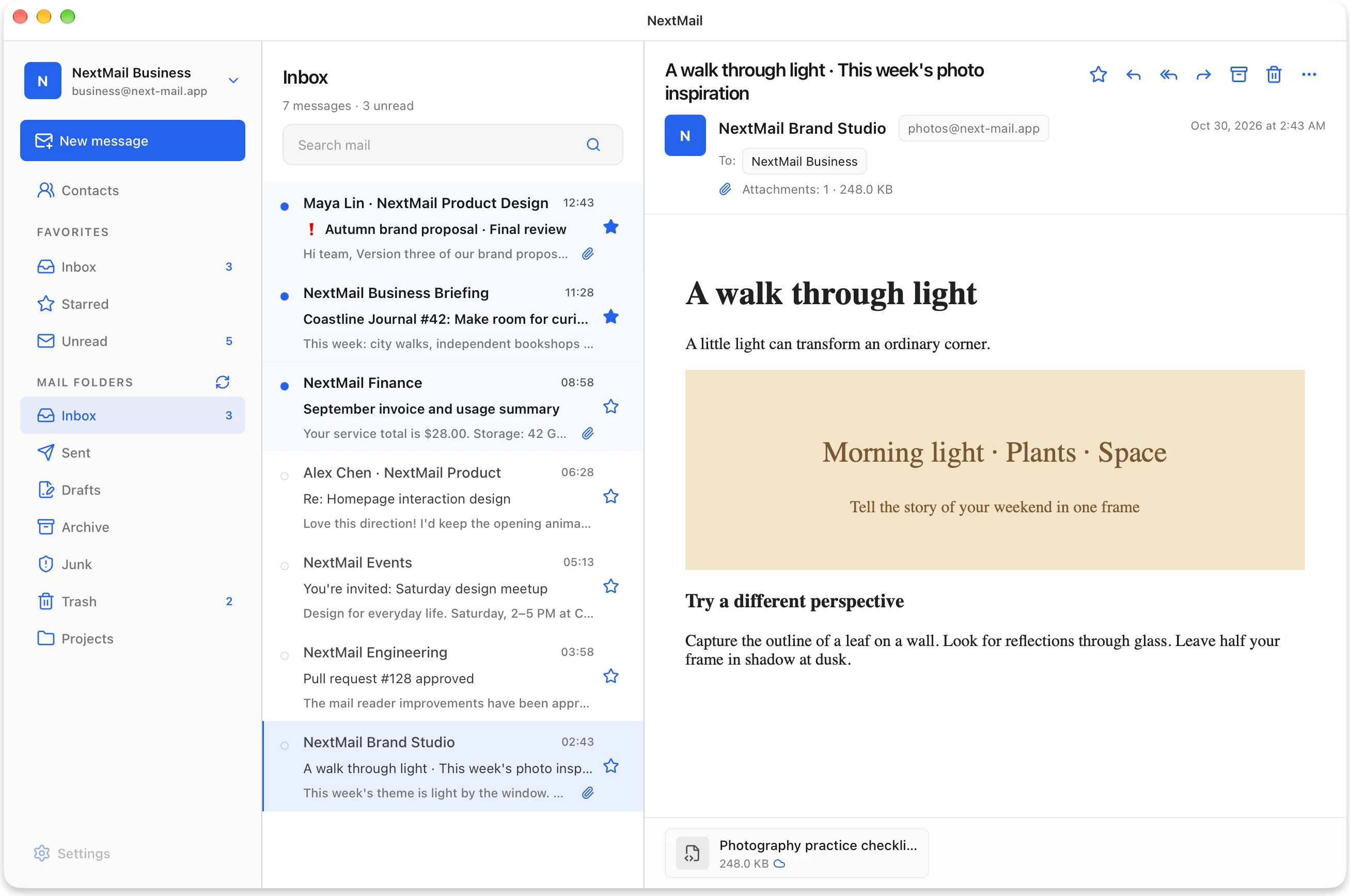
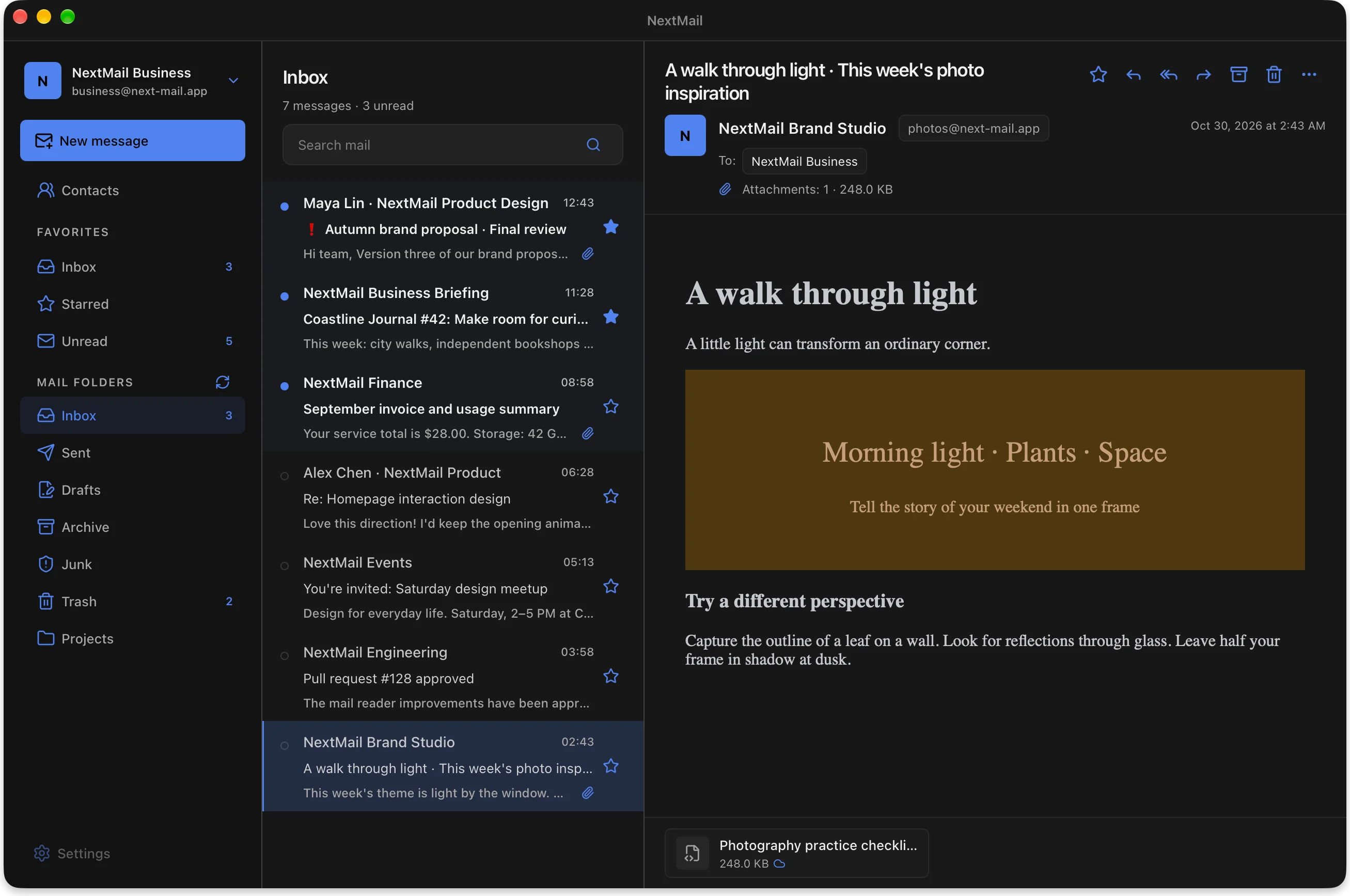
Your mail, on your device. Read what’s already saved, even when the connection drops.
Your mailbox comes into view, message by message. Start reading as new mail arrives.
A preview first. The full message and attachments only when you ask for them.
A familiar desktop workspace, with the care in the details. Move between accounts, settle into a message, and keep your day in view.
Keep your folders, message list, and reading pane in one considered space. Switch accounts without mixing their mail. Find a saved message with local search.
Read rich emails in their familiar layout, with remote images under your control. Choose a light or dark appearance that feels at home on your desktop.
A mailbox shouldn’t have to download everything before it becomes useful. NextMail separates the essentials from the larger content.
Sender, subject, date, flags, attachment details, and a short text preview arrive together.
Open a message to fetch its reading content. Already saved content stays available locally.
Open or save a file to download that attachment. Listing a file doesn’t download it.
Prefer to keep message bodies offline? Enable optional full-message sync per account.
How syncing worksNextMail is built with Tauri 2, Rust, React 19, and TypeScript. Explore the code, report an issue, or help shape what comes next.
Explore the repositoryTry the NextMail preview on your desktop.
Preview builds are not production-signed or notarized.