
At home on your desktop.
Dedicated windows, remembered positions, a system tray, desktop notifications, bilingual UI, and signed update checks. Choose Nova or Lyra and a light, dark, or system appearance.
A closer look at what NextMail does today. Local reading, thoughtful writing, and sync that respects your choices.
Keep your folders, message list, and reading pane in one considered space. Switch accounts without mixing their mail. Find a saved message with local search.
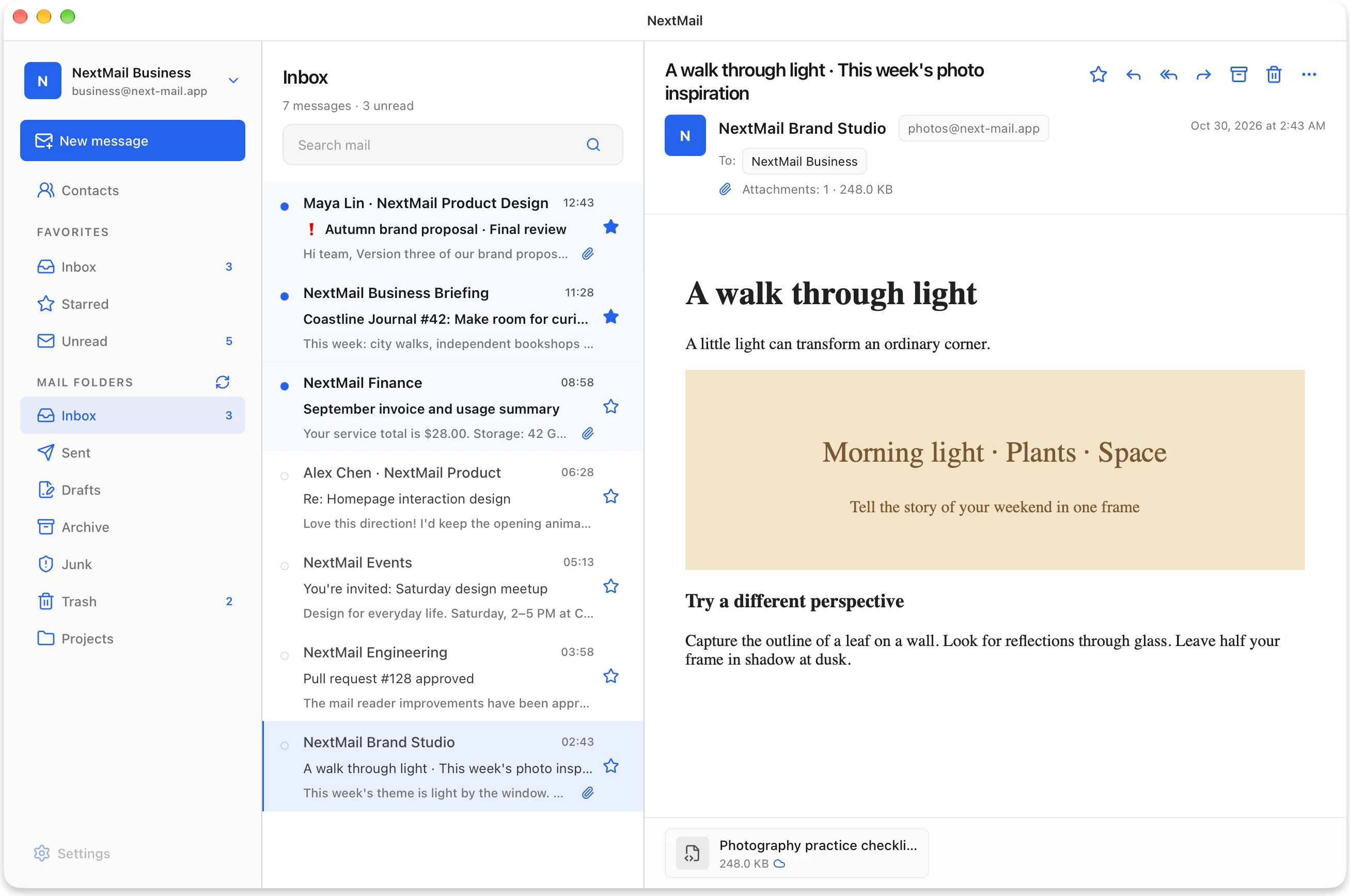
Compose rich messages with drafts, templates, signatures, replies, forwards, attachments, and inline images. Account-scoped contact groups fill an entire recipient list in one step.
AccountsCreate, rename, move, delete, and sort folders. Drag messages into folders, keep favorites close, and apply actions to a selection. Persistent tasks can recover after an interruption.
Favorites · Multi-select · Drag & drop · Batch actions
Dedicated windows, remembered positions, a system tray, desktop notifications, bilingual UI, and signed update checks. Choose Nova or Lyra and a light, dark, or system appearance.
Passwords live in the operating system’s credential store. HTML is sanitized before display, remote images remain under your control, and attachments are checked before opening or saving.
SecurityA mailbox shouldn’t have to download everything before it becomes useful. NextMail separates the essentials from the larger content.
Sender, subject, date, flags, attachment details, and a short text preview arrive together.
Open a message to fetch its reading content. Already saved content stays available locally.
Open or save a file to download that attachment. Listing a file doesn’t download it.
Prefer to keep message bodies offline? Enable optional full-message sync per account.
How syncing worksTry the NextMail preview on your desktop.
Preview builds are not production-signed or notarized.